| | | Step 1: Download, Install & Activate Microsoft Publisher 2021 | - Download the Microsoft Publisher 2021
-
- Download 32/64 bit: Please click the link below or copy and paste it into your browser window to download.
-
- https://secure.howtosetup.com.au/Microsoft_Publisher_2021.zip
-
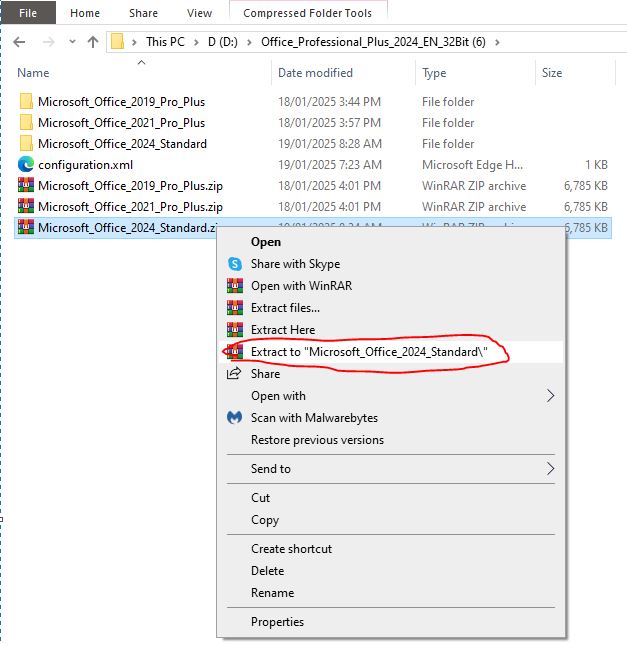
- Extract the downloaded file: Right-click on the downloaded file and select Extract All or see image below. And then double-click the folder to open it.
-
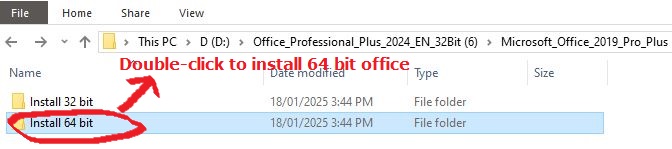
- Double-click on the 32/64-bit installation folder. Please note that most of the modern machines are 64-bit systems; therefore, double-click the 64-bit folder.
-
- Double-click on the start.bat file and wait till the installation is completed.
 -
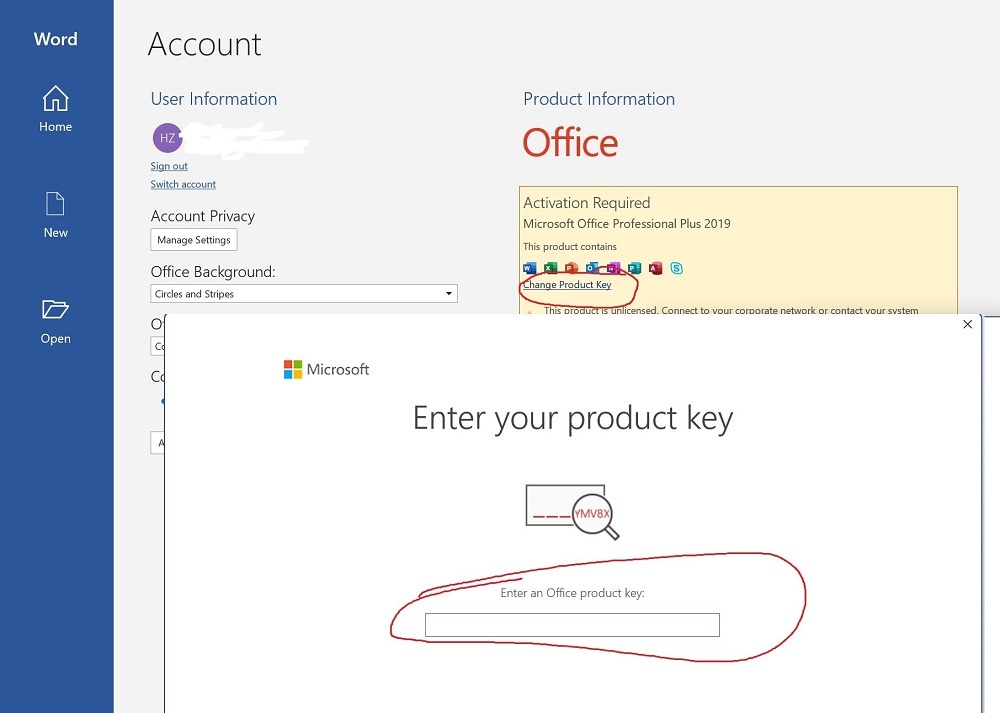
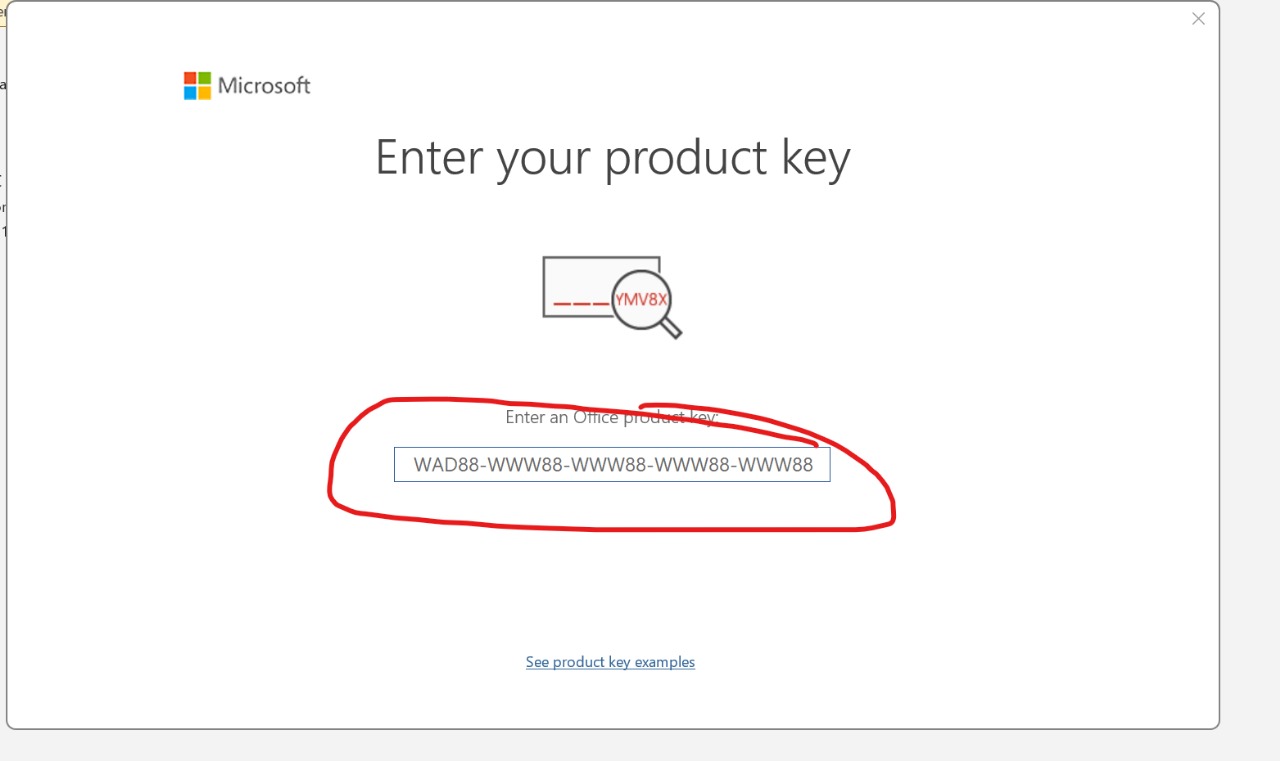
- Open any Microsoft application, such as Microsoft Word or Excel, and click File, then Account. Click the "Change Product Key" link, copy and paste the key you received in the key delivery email into the box, and click Activate. After that reopen the application again, select File, then Account, and verify its activation. Finally, restart your machine if possible
-
 -
 | |
|